
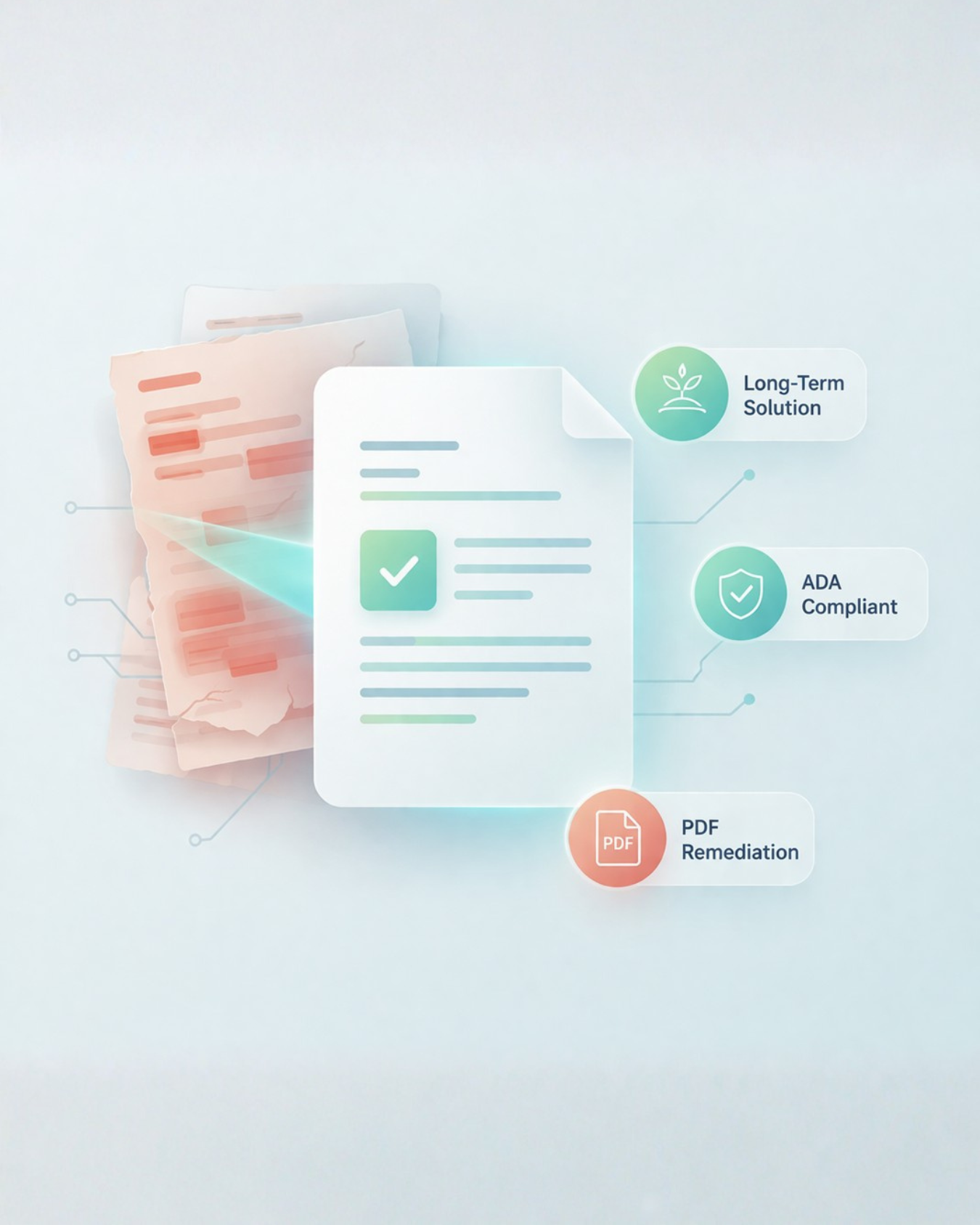
AI-Powered ADA Assistance for Long-Term Accessibility
Refresh identifies, prioritizes, and guides resolution of WCAG compliance gaps—so your team build momentum on your ADA journey.
Government Websites Drift Overtime
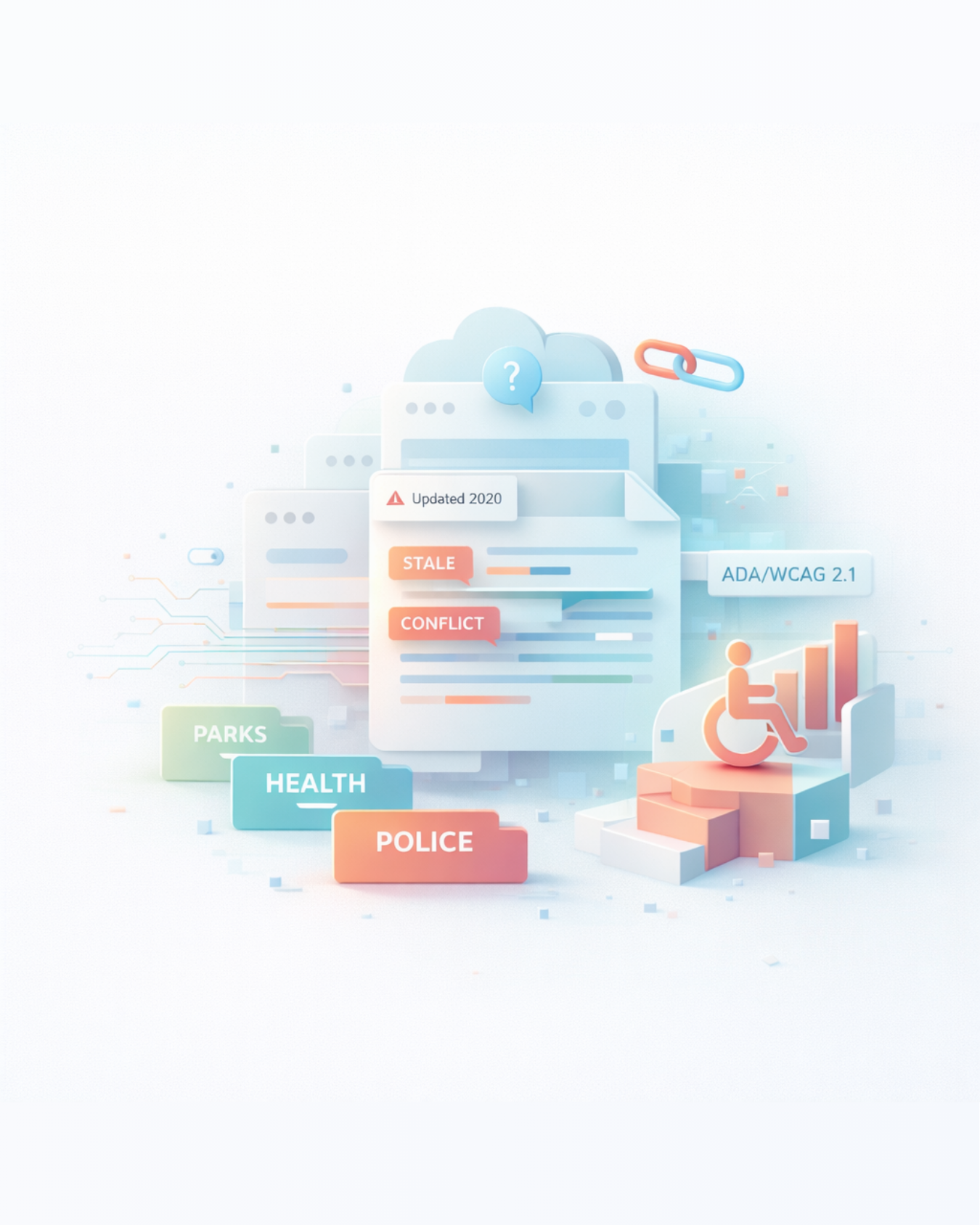
Content ownership is spread across departments, pages go stale, information conflicts, and accessibility pressure keeps rising (ADA/WCAG 2.1)—while web upkeep isn’t anyone’s full-time job.
Conflicting Information
Conflicting addresses, phone numbers, and program details across pages
Outdated Content
Pages and files that quietly linger for years without updates
Inconsistent Messaging
Inconsistent tone and messaging across departments
Accessibility Gaps
Accessibility gaps that increase compliance risk

Lost Trust
Residents and staff losing trust in government digital services

What Refresh Evaluates
Accuracy
AI scans every page to ensure content is correct, consistent, and free of duplication — so residents always get reliable information.
Persona

Refresh makes your web content speak with one consistent voice across your website.
Current

Flags pages that haven’t been updated recently, prompting staff to refresh content and guarantee human oversight where it’s needed most.
Accessibility
Flags common accessibility issues (e.g., missing alt text) and helps support ADA compliance and WCAG 2.1 alignment.
Accessibility That Can’t Be Ignored
Meet compliance requirements and reduce risk without overwhelming your team.
Refresh identifies accessibility issues across your website and PDFs—helping your team focus on what matters most.
How Refresh Works
From insight to action—with context that matters.
Scan
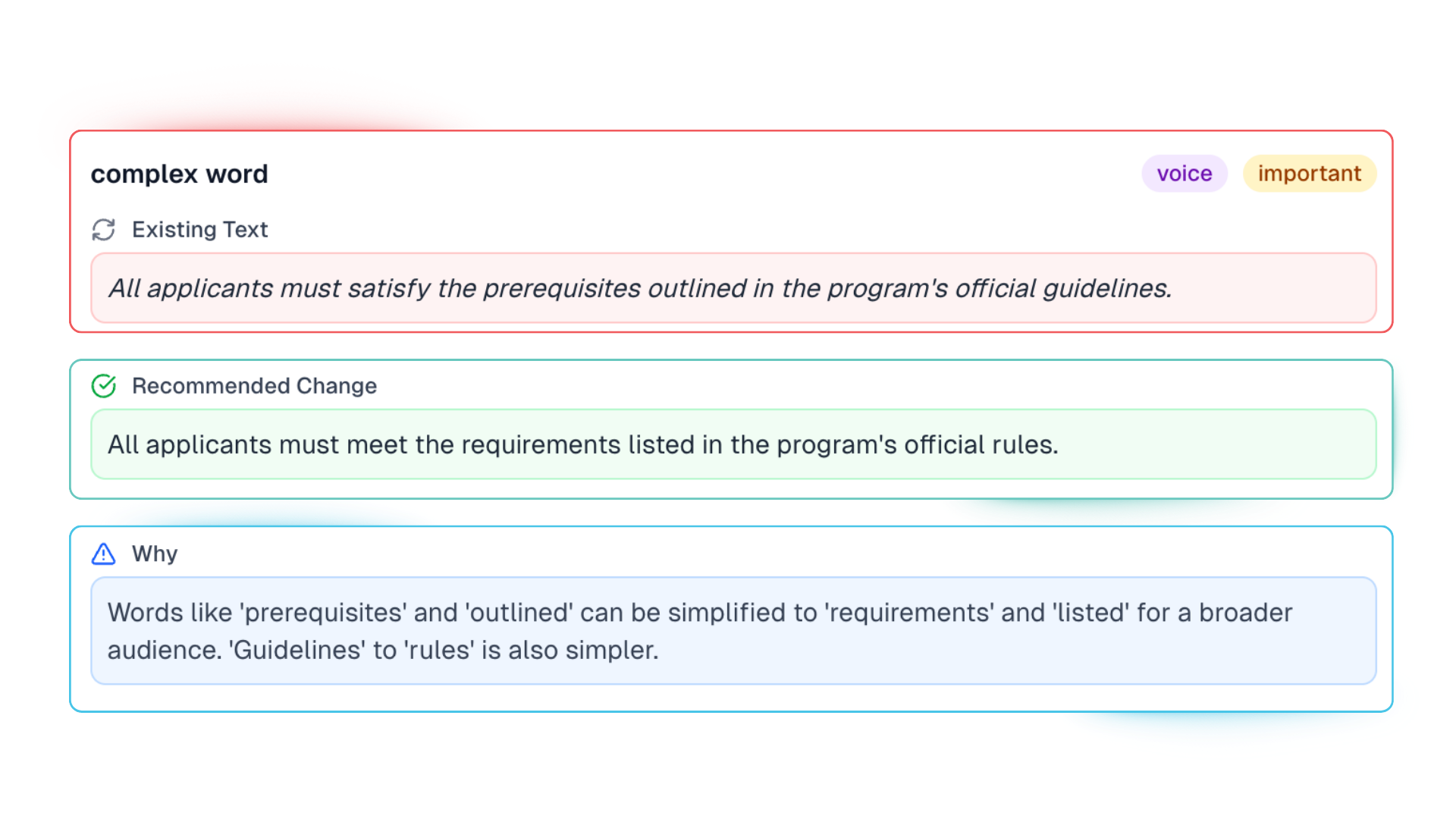
Refresh scans your website and PDFs to identify issues across accessibility, accuracy, outdated content, voice, tone and overly complex wording.
Recommend
Recommendations may include simple content edits, HTML code suggestions, or document-level fixes—giving your team multiple paths to resolve issues efficiently.
Explain why
Every recommendation includes the why—helping your team learn best practices and maintain accessibility moving forward.
Resolve with confidence
Teams can make updates confidently—without guessing, second-guessing, or spending hours debating what’s right.
FAQs
-
Refresh scans both your website and PDFs to identify issues across content accuracy, accessibility, and consistency.
This includes uncovering accessibility gaps and content issues within documents—ensuring nothing is overlooked across your digital content.
-
Refresh helps your team make meaningful, long-term progress toward accessibility by identifying and prioritizing issues across your website and PDFs.
Instead of overwhelming your team with hundreds of fixes, Refresh highlights high-impact issues—especially those affecting multiple pages or documents—so you can focus on what matters most first.
-
Refresh provides clear, actionable recommendations tailored to each issue. These may include content updates, HTML code suggestions, or document-level fixes for PDFs.
This gives your team multiple ways to resolve issues efficiently based on your workflows and resources.
-
Refresh is designed to support continuous improvement—not just a one-time cleanup.
As your website and documents evolve, Refresh helps your team consistently identify new issues, prioritize fixes, and maintain accessibility and content quality over time.
-
Refresh identifies issues related to:
Inaccurate or conflicting information
Outdated or stale content
Inconsistent tone or voice across departments
Overly complex or unclear wording
Accessibility gaps, such as missing alt text, structure, and tags.
-
Refresh is built for government communications teams, web managers, and content owners working across many departments—especially where:
Web upkeep isn’t anyone’s full-time job
Contributors aren’t trained web authors
Content ownership is siloed at scale
-
By improving the accuracy and consistency of your website, Refresh strengthens the “source of truth” that AI tools rely on—leading to better, more trustworthy responses for residents.
-
Refresh can be run regularly to maintain website health over time, helping prevent content drift and keeping information accurate, current, and aligned with resident needs.
-
Instead of asking authors to continuously audit their own pages, Refresh delivers specific fixes they can act on immediately. This reduces manual review work and makes it easier for teams to keep content accurate and current.
-
Refresh doesn't just generate a report — it delivers actionable opportunities to fix.
For every issue it finds, Refresh:
Shows the problem
Recommends a specific change
Explains why the change matters
And it's also the only solution covering accuracy, freshness, voice, and compliance — for websites and PDFs in one tool.
That makes it fundamentally different from tools that only flag issues without context or guidance.
-
Overlays apply a layer of JavaScript on top of your site to mask accessibility issues for the viewer. They don't fix anything. Your underlying content, structure, and documents remain non-compliant — and so does your legal exposure.
True ADA and WCAG compliance requires fixing issues at the source: your HTML, your content, and your documents. Overlays can't do that. Refresh can.
-
The things that actually matter to your residents and your team.
Fixes issues permanently. Refresh repairs your actual content and code. The fix stays — whether or not any tool is running.
Covers websites and PDFs together. Overlays don't touch your documents. Refresh does — no need to buy two separate products.
Improves your site beyond compliance. Better HTML structure means better search performance, navigation, and AI/chat accuracy. Overlays can't touch any of that.
Delivers a native experience. No extra toolbar. No alternate interface. Just an accessible site — the way it should work for every user.
Reduces real legal risk. Masking issues with an overlay doesn't make you compliant. Fixing them does.
Overlays are a band-aid. Refresh is the fix.
-
You might need Refresh more than you need a redesign.
Most residents access your content directly — without ever navigating your site. That means a fresh coat of paint won't fix what's actually frustrating them. Outdated content, inaccessible PDFs, and broken structure are content problems, not design problems.
Refresh before you redesign — or instead of it:
Before a redesign: Refresh scans your current site and PDFs to surface accessibility, accuracy, and content issues before they get carried into the new site. Don't rebuild old problems into a new design.
Instead of a redesign: Many governments find that after running Refresh, their site performs significantly better — without the cost, time, or disruption of a full redesign.
Either way, you launch stronger. A clear, prioritized roadmap tells you exactly what to fix, update, or remove — so whatever path you choose, you start from a better place.
Don't lift and shift. Refresh first — then decide.